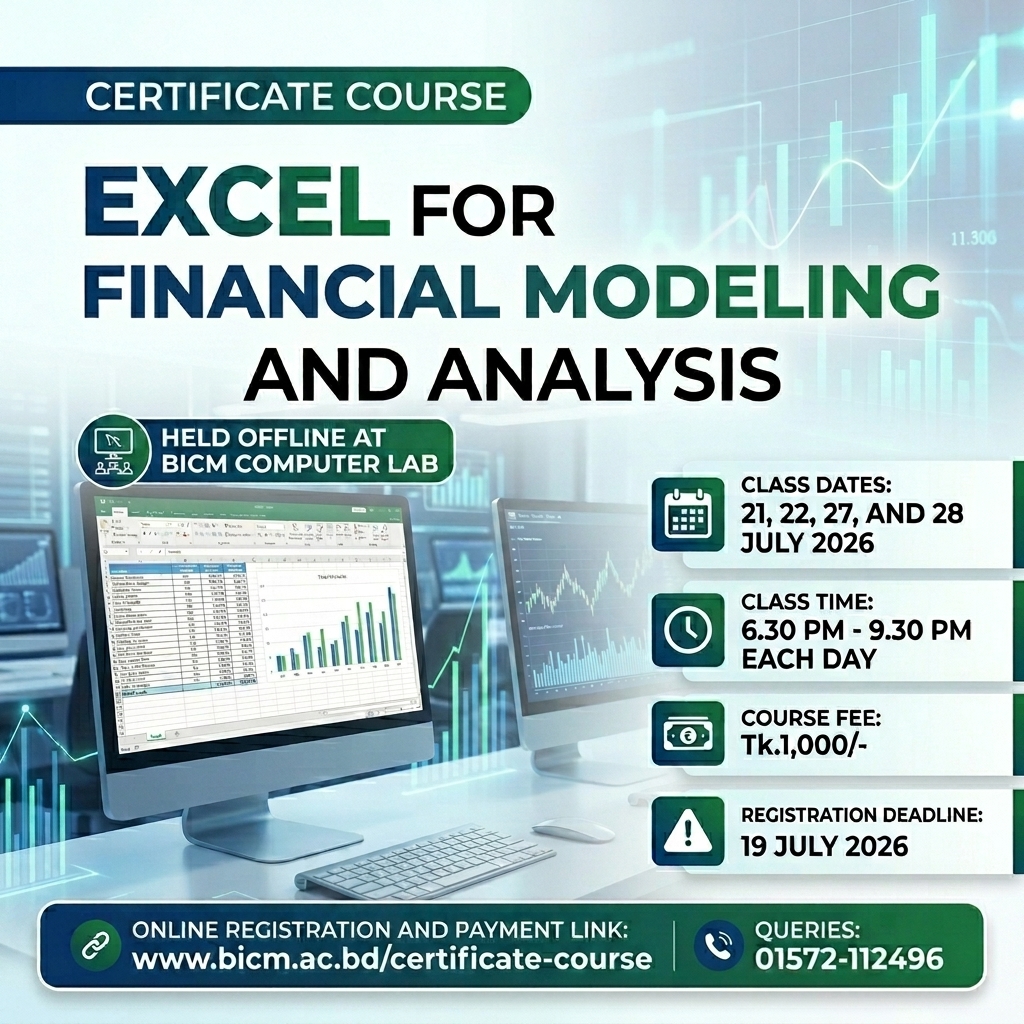
Course Objective:
To equip learners with the skills and knowledge necessary to effectively use Microsoft Excel for financial modeling, valuation, and analysis.
Key Takeaways:
- Ability to effectively navigate and use all features of Excel
- Understanding of essential formulas and functions for financial modeling and analysis
- Ability to create and modify macros to automate repetitive tasks
- Understanding of cell referencing and formatting techniques for improved data presentation
- Ability to use interactive automatic Excel templates for faster analysis and modeling
Topic 1 : I. Introduction to Excel for Financial Modeling and Analysis
Understanding the role of Excel in financial modeling and analysis, Overview of the Excel interface and navigation (sheets, cells, ribbons, menu bar, data, insert, design, view)
Topic 2 : Essential Excel Formulas and Functions for Financial Modeling and Analysis
Understanding basic mathematical operators and functions, Introduction to financial functions (e.g. NPV, IRR, etc.), Advanced functions for data manipulation (e.g. INDEX, MATCH, etc.)
Topic 3 : Cell Referencing and Formatting Techniques
Understanding absolute and relative cell referencing, Formatting techniques for improved data presentation, Data validation and error checking
Topic 4 : Macros for Automation
Introduction to VBA programming in Excel, Creating and modifying macros to automate repetitive tasks. Best practices for macro development and execution. Introduction to VBA programming in Excel, Creating and modifying macros to automate repetitive tasks. Best practices for macro development and execution.
Topic 5 : Interactive Automatic Excel Templates
Understanding the benefits of using templates for financial modeling and analysis, Introduction to pre-built templates for FMVE, Customizing templates for specific use cases